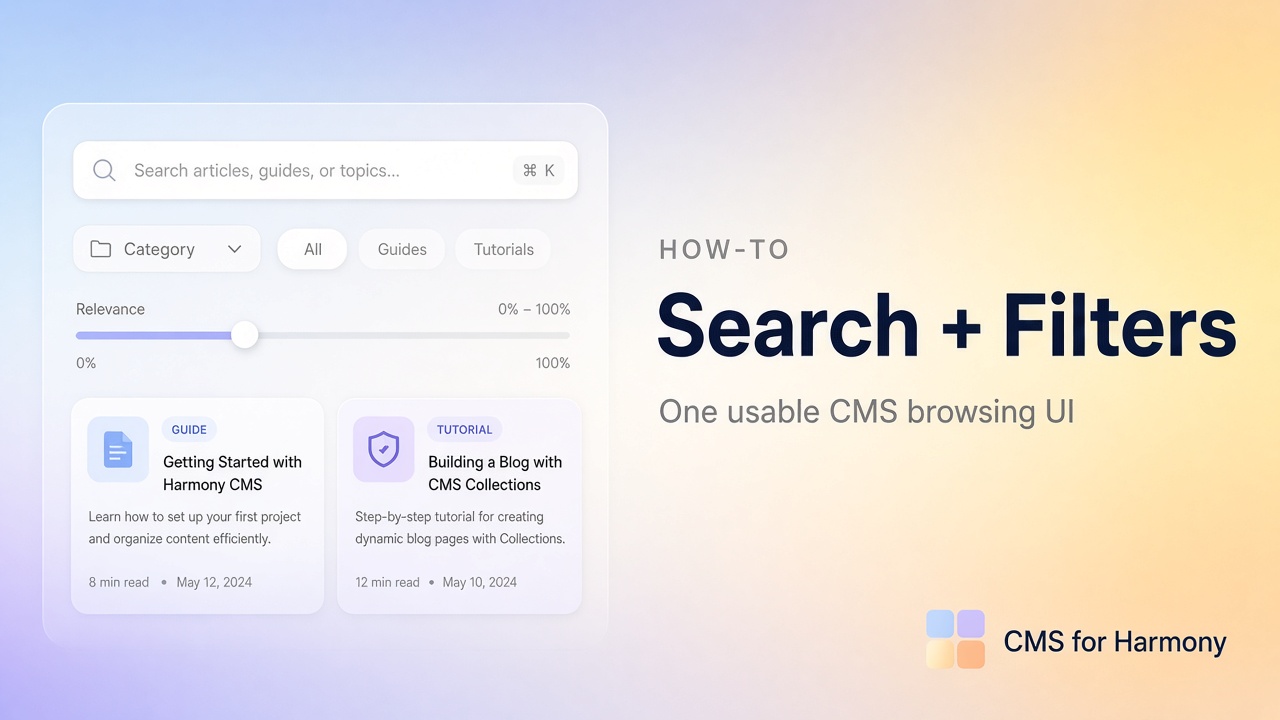
Real directories rarely need only one control. People type a name and pick a department; they filter by city and a price range. This guide shows how to put those pieces on one page without sending visitors through three separate lists.
End-to-end project shape: Searchable directory. More tutorials: Wix CMS Guide.
The UI you’re aiming for
| Control | Example field | Job |
|---|---|---|
| Search bar | Name, summary | Free-text lookup |
| Category filter | Category / Type | Browse |
| Range filter | Price or Date | Min / max bounds |
Native notes
On Studio / Editor, you can stack several dataset-connected inputs (dropdown + selection tags, and so on). Keyword search that filters as someone types usually needs Velo—or an app. Keep filters on the same dataset as the repeater so conditions combine cleanly.
On Harmony, visitor multi-filter chrome on one native list is limited today. Plan app widgets or separate Repeaters (CMS limitations).
One display, many controls (CMS for Harmony)
Works on Editor, Studio, and Harmony.
- Connect a Table or Repeater to a collection that has Name, Category, and a number or date field.
- Enable Show search bar.
- Add a Show filter on Category (equals).
- Add a range-friendly filter on Price or Date (greater/less than or between).
- Choose Filters display: Top for a short set; Side for denser directories.
- Publish and test combinations—search alone, filter alone, then both together.
Match conditions and Show filter vs Choose value: Search & filters docs.
Focused guides
| Piece | Article |
|---|---|
| Search only | Add a search bar |
| Category only | Category filters |
| All panel options | Search and filters overview |
| Dense columns | Searchable table |
Why teams use the app for this
| Task | Native Harmony | CMS for Harmony |
|---|---|---|
| Keyword + category + range on one list | Awkward / limited today | Configure in Search & filters |
| Same UI on Studio and Harmony | Different native stacks | Same widgets |
| Avoid maintaining filter code | Velo often required for live search | Panel toggles |
For Color swatches, reference fields, and Calendar/Slideshow quirks, use the product docs—those details change with releases.