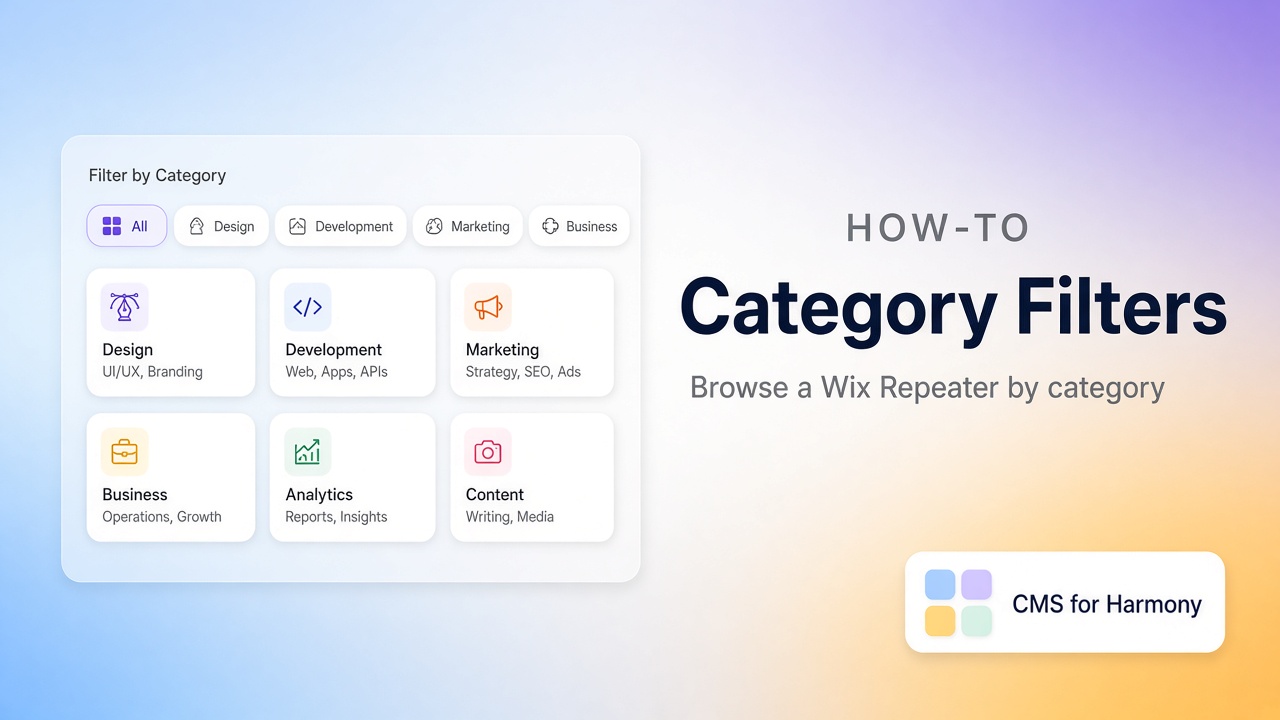
Category filters are how visitors narrow a card grid without leaving the page: “Show me only Marketing,” “only Austin,” “only workshops.” On Wix, that usually means a CMS collection feeding a Repeater, plus controls that filter the same dataset or widget.
Below: a concrete example, what Studio can do natively, where Harmony differs, and how to set it up with CMS for Harmony (works on Editor, Studio, and Harmony). In that app, “cards” means the Repeater layout—not a separate widget.
More context: Wix CMS Guide.
What you’ll build
A Programs collection with Name, Category, Summary, and Image. A Repeater shows the cards. Visitors pick a category and the grid updates.
Native path (Studio / Editor)
Wix’s CMS docs cover connecting dropdowns, radio buttons, or selection tags to a dataset so visitors filter a repeater, gallery, or table—often without code. Each input connects to a field; choosing a value shows only matching items. You can add reset or “apply filter” buttons if you want that behavior.
That path is a solid default when your team already builds with datasets on Studio.
Harmony
Native connected Repeaters don’t expose the same visitor category filter UI on one list today. Builders either maintain one Repeater per category (editor-side filters) or use an app. Details: Harmony CMS limitations.
CMS for Harmony Repeater
- Create the collection and add items in at least two categories (empty categories make filters feel broken).
- Add the Repeater, connect the collection, and map Name, Image, and Summary.
- Open Search & filters → turn on Show filters.
- Add a filter on Category:
- Match with equals (or contains, depending how you store tags)
- Use Show filter so visitors can pick the value
- Set Filters display to Top (above the grid) or Side (sidebar; stacks on small screens).
- Publish and click through each category as a visitor.
Optional: Choose value mode applies a fixed rule with no visitor UI (for example, only items marked Published).
Panel reference: Search & filters. Broader how-to: Search and filters overview.
Quick comparison
| Native Harmony | CMS for Harmony | |
|---|---|---|
| Visitor category control on one Repeater | Limited today | Show filter on Category |
| Avoid duplicate Repeaters per category | Hard | One Repeater + filter |
| Editors | Harmony | Editor, Studio, Harmony |
Edge cases worth knowing
| Situation | Tip |
|---|---|
| Empty category | Seed sample items before you demo filters |
| Dozens of categories | Prefer Side layout; add search too |
| Categories live in a related collection | Use reference filters and a Display field—see docs |
| Color is the “category” | Use Color swatches |