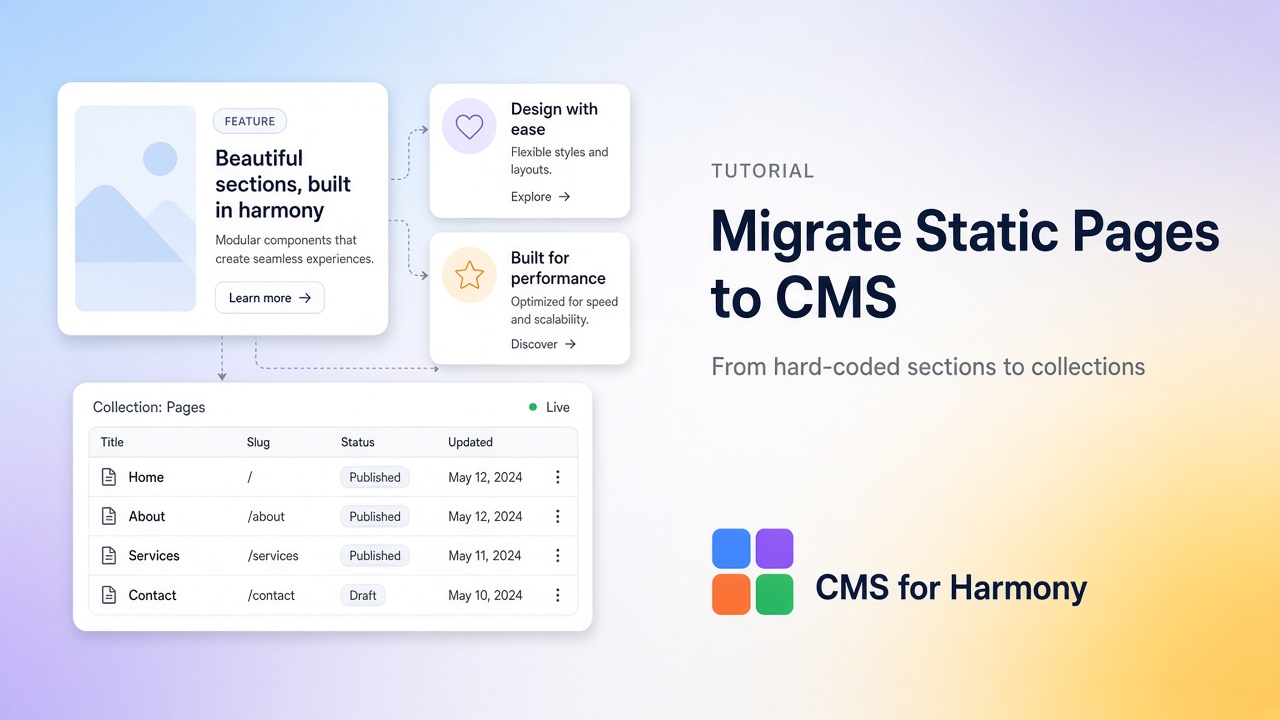
Yes—you can migrate static Wix Harmony pages into a CMS collection when the same layout repeats (team cards, services, projects, FAQs). Model fields once, paste or recreate content as collection items, then replace hard-coded sections with CMS for Harmony widgets (Repeater, Table, Dynamic Page, and so on). The app does not bind native Text, Image, or Button elements—you swap static blocks for app widgets connected to the collection.
When migration is worth it
| Stay static | Move to CMS |
|---|---|
| One unique marketing section | 5+ near-identical cards or rows |
| Copy that changes yearly | Non-editors need to update content |
| Custom one-off layout | Same content in list + detail URL |
| Legal / about prose | Directories, catalogs, portfolios, events |
Related mindset: CMS vs static content.
Step 1 — Inventory the static page
List every repeating block and the fields inside it. Example for a services page:
- Title
- Short summary
- Image
- Category or tag
- Long description (for a detail page)
- Optional: price, CTA label, address, color
Note which sections are truly unique (hero, footer CTA)—those can stay static.
Step 2 — Design the collection schema
In the CMS for Harmony dashboard (or Wix CMS), create a collection that matches the inventory. Keep field names clear for editors.
Example — Services
| Field | Type | Notes |
|---|---|---|
| Title | Text | Used for cards + the item slug |
| Summary | Text / Rich text | Card teaser |
| Image | Image | Card / hero |
| Category | Text or Reference | Filters |
| Body | Rich text | Detail page |
| Price | Number | Optional catalog payments (Pro) |
Optionally add a native collection page if each service needs its own URL, and Enable payments (Pro) only if you sell from the list.
Step 3 — Migrate content into items
- Create one collection item per static card/section.
- Copy text and media from the live page into fields.
- Prefer consistent summaries (similar length) so the Repeater looks even.
- Keep the static page published until the new widgets are verified—do not delete content mid-migration.
Step 4 — Replace the page with widgets
- Install CMS for Harmony if needed.
- On the target page, add a Repeater (cards) or Table (dense list).
- Connect the collection and map fields.
- Optionally enable search & filters for large sets.
- For detail URLs: a native collection page + Dynamic Page, then Link to item page on the list.
- Publish and compare side-by-side with the old static layout.
Accuracy: widgets only—leave native Text/Image/Button for truly static chrome.
Step 5 — Cutover checklist
- All items filled; no empty required fields on live rows
- Images load on mobile and desktop
- Filters/search work if enabled
- Item URLs open the correct Dynamic Page (if used)
- Per-item SEO mapped if you care about search (Wix CMS SEO guide)
- Static duplicate sections removed or hidden after go-live
- Editors know where to update content (collection, not page canvas)
Limitations and plan notes
- Native Harmony CMS can power a simple connected Repeater without the app; use CMS for Harmony when you need Table, Calendar, Form, visitor filters, Pro payments, or Google Sheets.
- Google Sheets (Pro) can power list widgets but not Dynamic Page / Form—prefer Wix CMS collections for migrations that need item URLs or intake forms.
- Do not expect the app to “convert” a page automatically—migration is schema + content + widget setup.
FAQ
Can I convert existing Wix pages to CMS automatically?
Not as a one-click import in CMS for Harmony. You model a collection, move content into items, and reconnect the page with widgets.
Should I use native Harmony CMS or CMS for Harmony?
Native is fine for simple Text/Image cards in a Harmony Repeater. Choose the app for filters, tables, calendars, collection-backed forms, Pro checkout, or Sheets—see limitations.
Will my SEO rankings drop?
If you change URLs, plan redirects and keep strong internal links. Prefer item slugs that match old paths when possible, and set per-item SEO before removing static pages.
Can visitors still submit leads after migration?
Yes—add the Form widget to write into a collection (separate from display widgets). For paid applications, see paid forms.