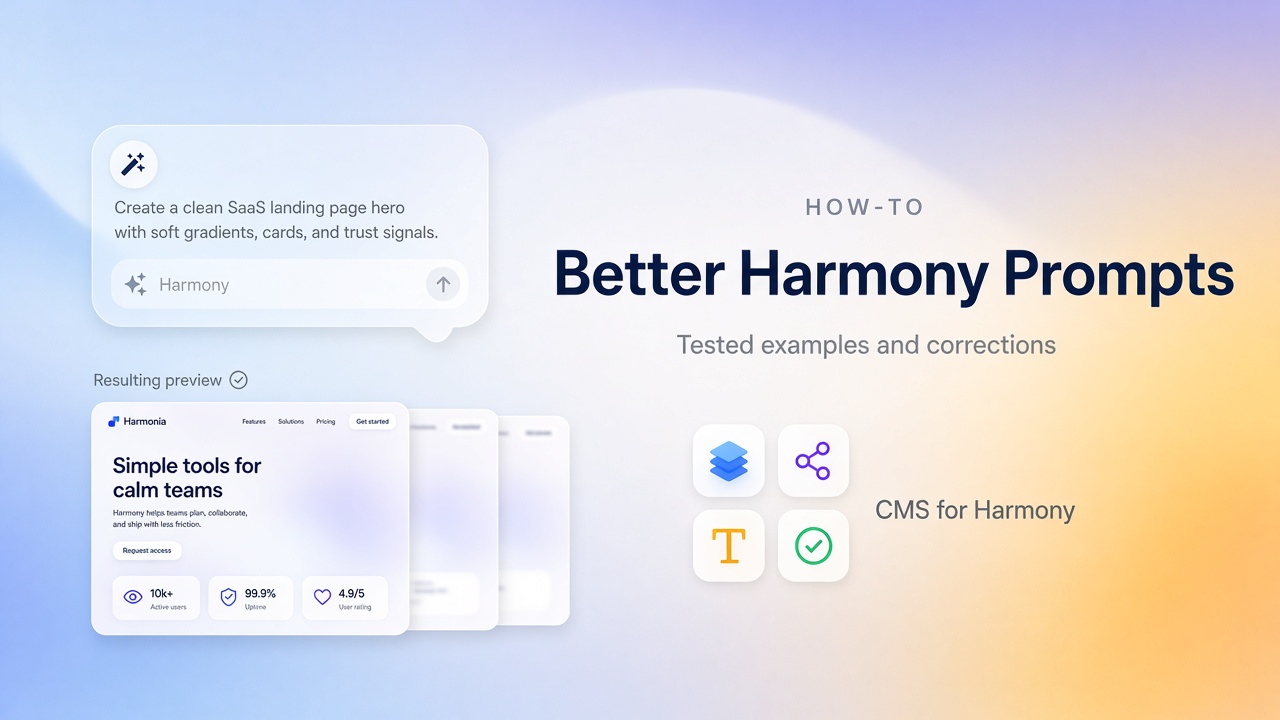
在 Wix Harmony,Aria 回應自然語言:建頁、改寫區塊、產生圖片、調整版面。更好的提示詞不是更長—而是工作更清楚、限制更清楚,以及願意事後編輯。
結果會因帳號與模型更新而異。發布前一定要檢查 Aria 輸出;Wix 的 Harmony AI 說明也這麼說。
通常有效的作法
- 一次一件事 — 先首頁;不要一口氣要商店+部落格+會員+預約。
- 受眾+提案+語氣 — 給誰、賣什麼、感覺如何。
- 點名區塊 — 英雄區、服務、證明、FAQ、聯絡。
- 加上限制 — 「極簡」「不要素材見證」「多留白」「不要霓虹強調色」。
- 迭代 — 弱區塊重新產生,或手改更快就自己改。
範例 1 — 在地服務首頁
Prompt
Build a calm, trustworthy homepage for a residential plumbing company in Austin. Audience: homeowners who need fast repairs. Sections: hero with one clear call-to-book button, three services (drain cleaning, water heaters, leak repair), a short why-us list with three points, and a contact strip with phone. Minimal design, no fake customer photos, plenty of whitespace.
常得到什麼
可用的英雄區與服務卡片—外加通用素材圖與「trusted for decades」這類軟說法。
要改什麼
- 換成真實照片與真實電話
- 刪掉空話;執照或保險只在真實時加入
- 保留一個主要按鈕,不要三個互相搶的 CTA
範例 2 — 攝影師作品集
Prompt
Create a minimal portfolio homepage for a wedding photographer. Light background, dark text, image-led sections. Include: a short hero statement, a selected-work grid with six placeholders, a short about blurb, and contact. Avoid neon accents and busy animations.
常得到什麼
強勢以圖為主的版面,仍可能夾帶你沒要的額外區塊或強調色。
要改什麼
- 刪掉沒用的區塊
- 統一字級與間距
- 作品變多時把專案放進 CMS—見 Wix CMS 指南 與 Media Gallery
範例 3 — 範圍過大的提示詞(避免)
弱提示詞
Make me a full corporate website with blog, shop, members area, booking, and multilingual support, modern and professional.
哪裡出問題
什麼都有但都淺、版面衝突、什麼都沒做完所以難編輯。
更好作法
- 先提示 Home + Services
- 核心故事通了再加部落格、商店或預約
- 承諾 Harmony 不像 Studio 那樣支援的功能(尤其自訂程式碼)前,先查限制
每次產生之後
| 檢查 | 做這個 |
|---|---|
| Copy | 換掉占位;只留你能辯護的說法 |
| Structure | 刪掉對事業沒幫助的區塊 |
| Visuals | 用真實照片;為手機裁切英雄圖 |
| Navigation | 只連結存在的頁面 |
| SEO | 標題、H1、metas — SEO 檢查清單 |
何時提示詞不是對的工具
重複項目—團隊、刊登、商品—屬於 CMS,不是每週重新產生的提示詞。從 Wix Harmony 能用 CMS 嗎? 與 Wix CMS 指南 開始。