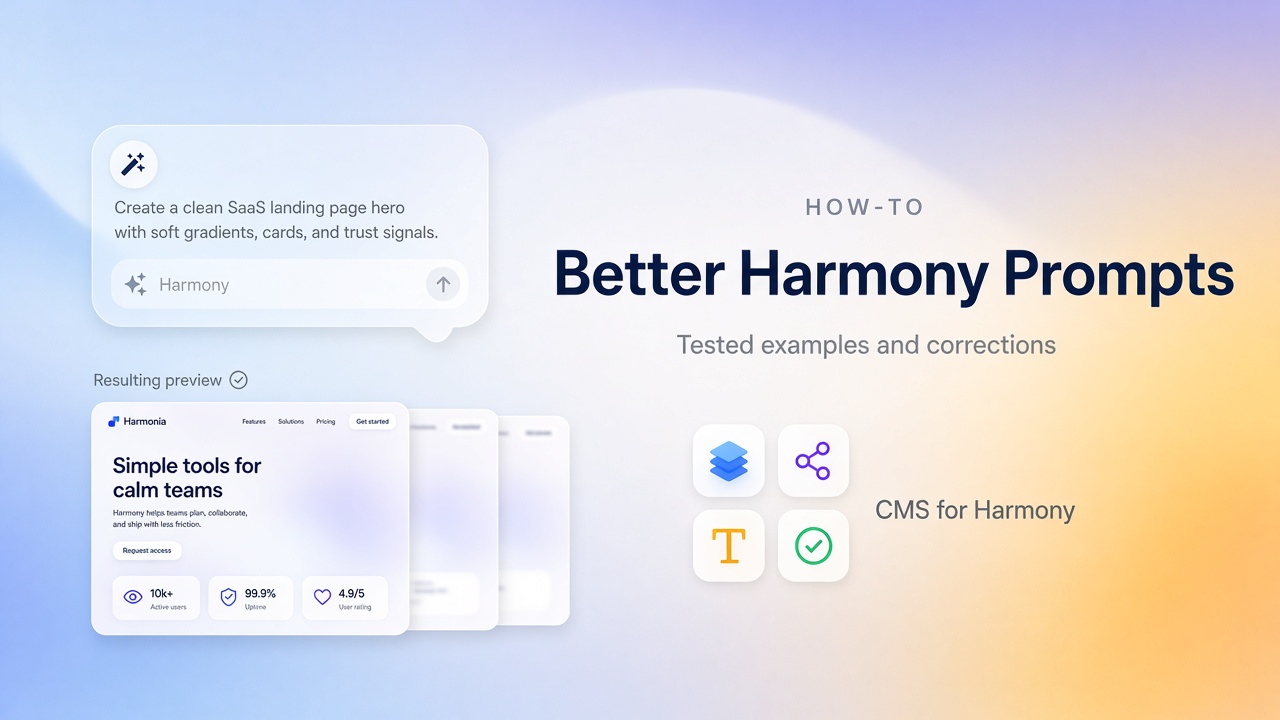
In Wix Harmony, Aria responds to natural language: build a page, rewrite a section, generate an image, adjust a layout. Better prompts don’t mean longer prompts—they mean clearer jobs, clearer constraints, and a willingness to edit afterward.
Results vary by account and model updates. Always review Aria’s output before you publish; Wix says the same in its Harmony AI help.
Practice on a free starter site or follow the first website tutorial.
What tends to work
- One job at a time — homepage first; don’t ask for shop + blog + members + bookings in a single breath.
- Audience + offer + tone — who it’s for, what you sell, how it should feel.
- Name the sections — hero, services, proof, FAQ, contact.
- Add constraints — “minimal,” “no stock testimonials,” “lots of whitespace,” “no neon accents.”
- Iterate — regenerate a weak section, or edit it yourself when that’s faster.
Example 1 — Local service homepage
Prompt
Build a calm, trustworthy homepage for a residential plumbing company in Austin. Audience: homeowners who need fast repairs. Sections: hero with one clear call-to-book button, three services (drain cleaning, water heaters, leak repair), a short why-us list with three points, and a contact strip with phone. Minimal design, no fake customer photos, plenty of whitespace.
What you often get
A usable hero and service cards—plus generic stock imagery and soft claims like “trusted for decades.”
What to change
- Swap in real photos and your real phone number
- Cut buzzwords; add license or insurance details only if they’re true
- Keep one primary button, not three competing CTAs
Example 2 — Photographer portfolio
Prompt
Create a minimal portfolio homepage for a wedding photographer. Light background, dark text, image-led sections. Include: a short hero statement, a selected-work grid with six placeholders, a short about blurb, and contact. Avoid neon accents and busy animations.
What you often get
A strong image-forward layout that still sneaks in extra sections or accent colors you didn’t ask for.
What to change
- Delete unused sections
- Normalize type sizes and spacing
- When the portfolio grows, move projects into a CMS—see the Wix CMS Guide and Media Gallery
Example 3 — The over-scoped prompt (avoid this)
Weak prompt
Make me a full corporate website with blog, shop, members area, booking, and multilingual support, modern and professional.
What goes wrong
Shallow sections for everything, conflicting layouts, and a site that’s hard to edit because nothing was finished.
Better approach
- Prompt Home + Services first
- Add blog, shop, or booking only after the core story works
- Check limitations before promising features Harmony doesn’t support the way Studio does (especially custom code)
After every generation
| Check | Do this |
|---|---|
| Copy | Replace placeholders; only keep claims you can defend |
| Structure | Delete sections that don’t serve the business |
| Visuals | Use real photos; crop heroes for mobile |
| Navigation | Only link pages that exist |
| SEO | Titles, H1, metas — SEO checklist |
When prompting isn’t the right tool
Repeating items—team members, listings, products—belong in a CMS, not in a prompt you regenerate every week. Start with Can you use a CMS in Wix Harmony? and the Wix CMS Guide.