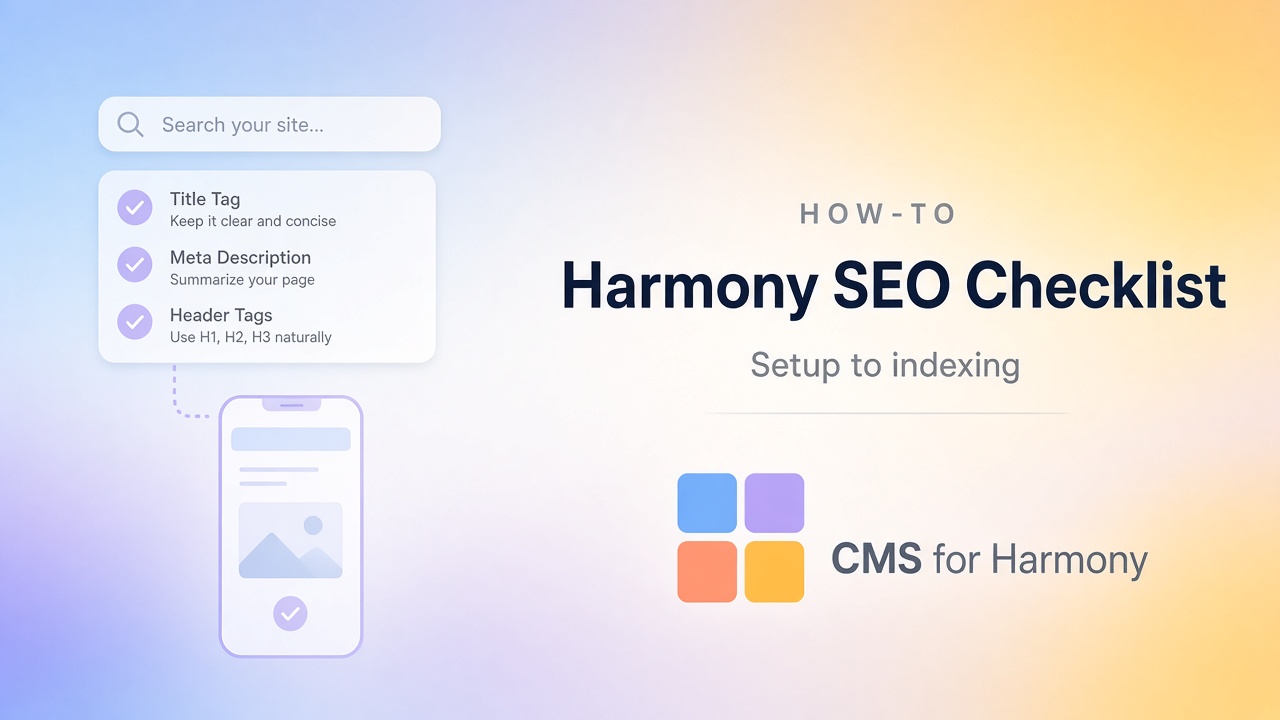
SEO on Harmony is mostly the same craft as on any Wix site: clear pages, unique titles, useful content, and a site Google can crawl. Aria can draft copy quickly, but search engines reward pages that answer a real question in ordinary language—not pages stuffed with leftover AI filler.
Use this checklist when you’re about to publish, or when you’re cleaning up a site that already went live. New to Harmony? Start with the first website tutorial or a free starter site.
1. Get the site “real” first
- Publish (draft previews are not what you want indexed).
- Connect your custom domain when you’re ready for a public launch.
- Confirm the preferred domain loads cleanly (www vs non-www) over HTTPS.
- Put consistent business name and contact details in the footer and site settings.
2. Page titles and headings
- Write a unique SEO title and meta description for each important page.
- Use one clear H1 that matches what the page is about.
- Prefer readable URLs (
/plumbing-austin) over random IDs. - Link Home, key service pages, and Contact to each other with normal text links.
- Avoid near-duplicate pages that only change a heading word.
3. Content people can skim
- Answer the main question of the page near the top.
- Use H2/H3 headings for real sections (services, areas served, FAQ).
- Replace placeholder Aria copy with specifics: who you help, where you work, what happens next.
- Cut thin pages that exist only to “have more URLs.”
4. Images
- Compress oversized hero images so pages load reasonably.
- Add alt text that describes the image (a photo of a repaired water heater, not a keyword list).
- Don’t put critical text only inside a graphic.
5. Mobile
- Preview mobile layout and fix overflow, tiny tap targets, and awkward stacking.
- Make sure the primary call-to-action is easy to reach with a thumb.
- Hide desktop-only chrome that crowds the phone layout.
6. Indexing checks
- Verify the site in Google Search Console (or your preferred tool).
- Confirm Wix exposes a sitemap and submit it if needed.
- Use URL inspection on the homepage after publish.
- If you moved from an old URL structure, fix redirects so visitors and crawlers land on the new pages.
Google’s AI features in Search still rely on the same fundamentals: accessible text, clear structure, and accurate information—not special “AI SEO” markup. (Google’s guidance)
7. If you use a CMS
Item pages need their own titles and descriptions so fifty listings don’t share one generic meta tag.
- Plan unique titles/descriptions per item (CMS SEO at scale).
- Don’t link unpublished or private items from public listing pages.
- On Harmony, compare native item pages with the app Dynamic Page: native vs app Dynamic Pages.
8. Local businesses
- Keep name, address, and phone consistent with your Google Business Profile.
- Only create “service area” pages when each page has genuine, distinct content.
What this checklist doesn’t promise
It won’t guarantee rankings, featured snippets, or AI Overview citations. It does prevent the common launch mistakes that waste the first months of a new Harmony site.