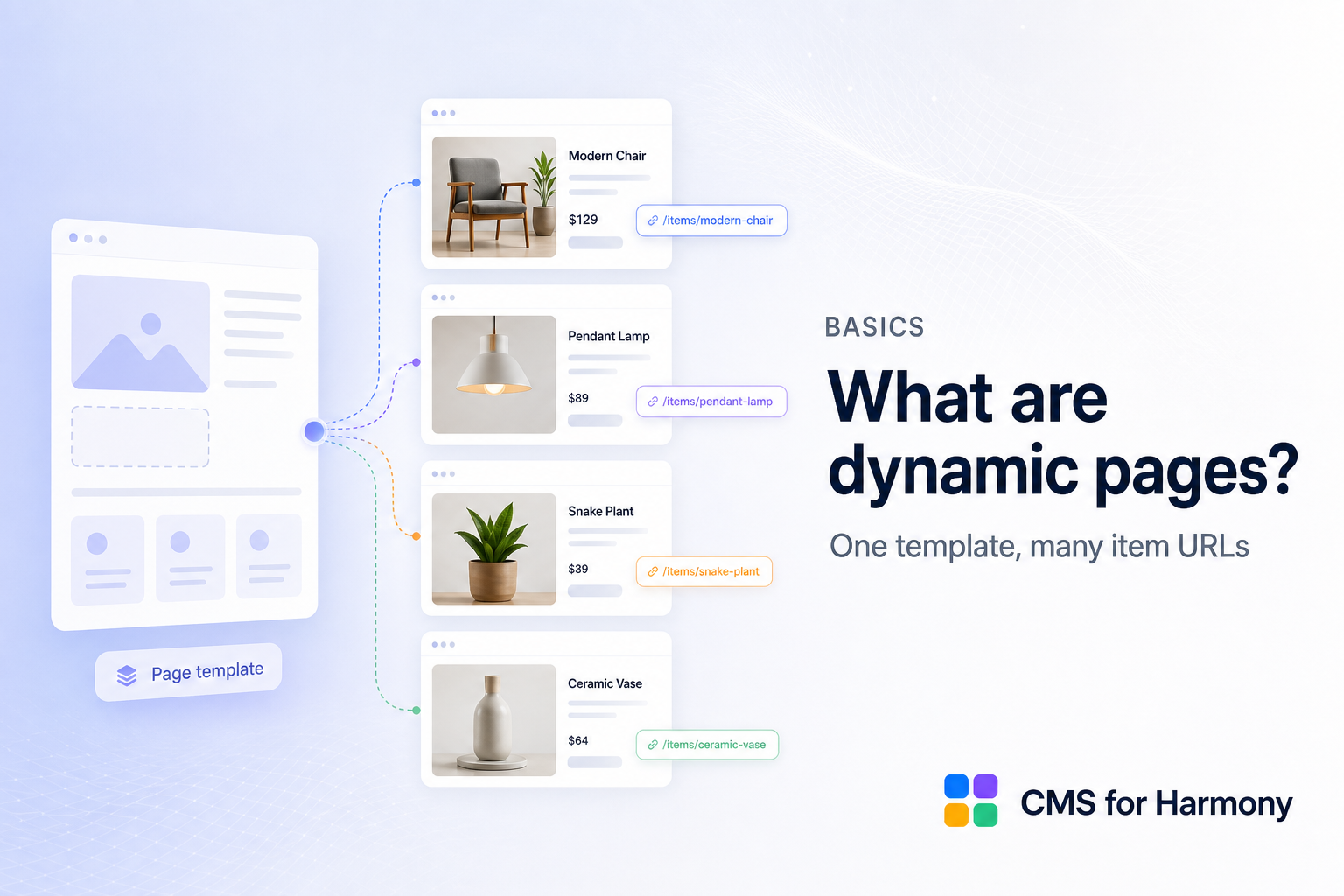
Item pages use one layout template to show many items, each at its own URL — for example /fruits/apple and /fruits/pear from the same design.
Why they matter
Without item pages, visitors only see lists. With them, each product, person, or event can be shared, indexed by search engines, and opened from a link.
On CMS for Harmony
Create the page with Wix: open the collection and choose More actions → Add collection page. That native page is the template. Place the Dynamic Page widget on it, set Page path to the page path, and set Page link field to Item slug. Links from Repeater, Table, Slideshow, Media Gallery, and Calendar use the same path and field. See Create a native Wix dynamic page.
Visiting /fruits/apple or /fruits/pear loads the same page; the widget reads the URL and shows the matching collection item.
- Add a native collection page for the collection.
- Add the Dynamic Page widget to that page and map fields / SEO.
- Optionally link Repeater, Table, and other displays to those item URLs.
- For another collection, add another collection page.
An /item page already on the site from an earlier version keeps working with the same widget and links.
Full setup: How to set up Dynamic Pages.