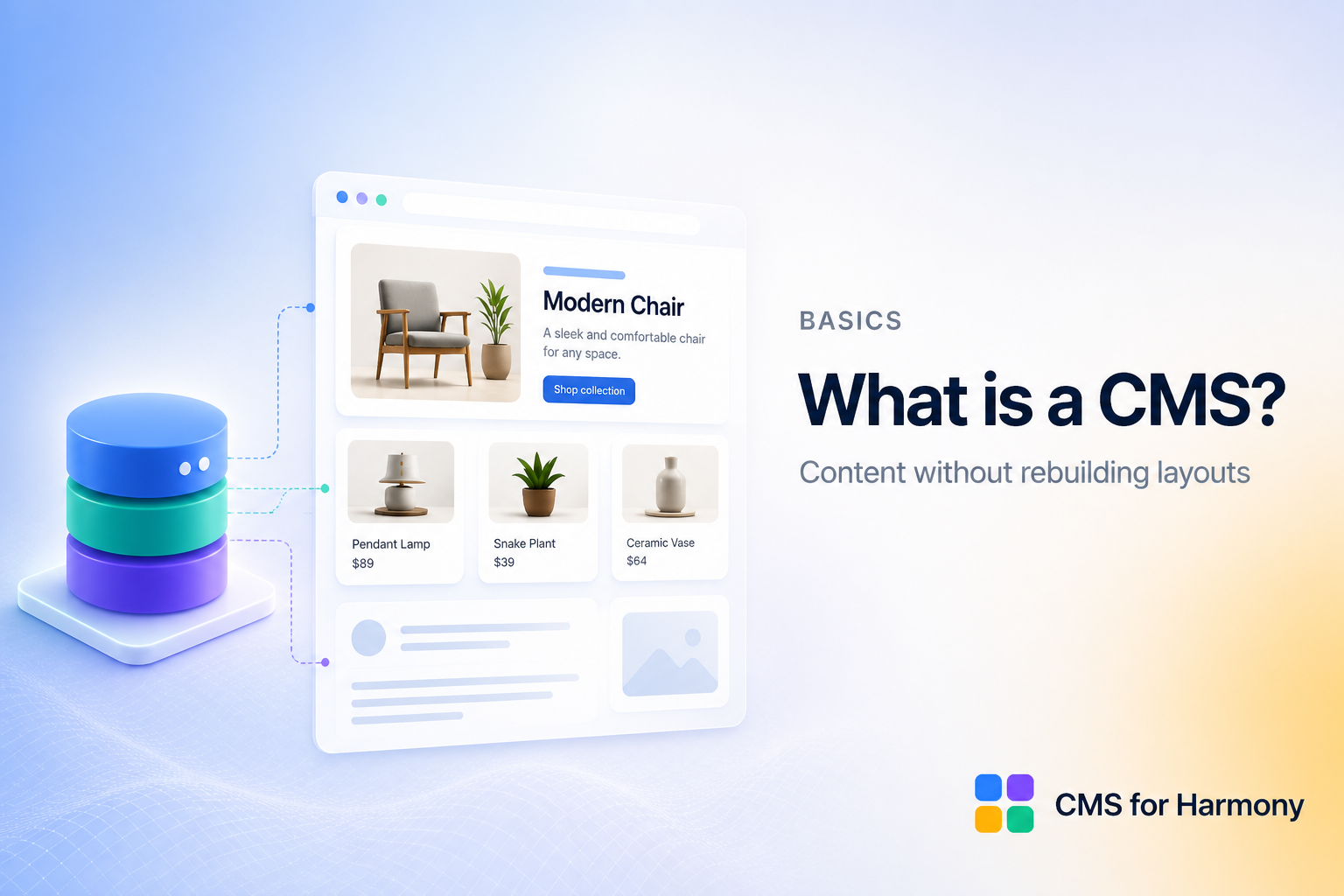
A CMS (content management system) is software that stores your website content — text, images, dates, and more — in a structured database so you can edit it without rebuilding the page layout every time.
The problem CMS solves
Without a CMS, a team page might be ten separate text boxes and images. When someone joins or leaves, you hunt through the editor and fix each block by hand. Multiply that by products, events, or blog-style items, and the site becomes fragile.
A CMS lets you:
- Define a content model (fields like name, role, photo).
- Add items in a dashboard or table.
- Show those items with displays that read from the same source.
Change an item once; every place that uses it can update together.
Collections, fields, and items
Most modern CMS tools (including Wix CMS) organize content as:
- Collection — a group of similar items (Team, Events, Listings)
- Fields — the properties of each item (title, image, date)
- Items — the actual rows of content
Displays on the live site query that collection and render cards, tables, calendars, or item pages.
CMS vs static content
Static content is fine for a one-off headline. A CMS shines when you have many similar pieces that change over time, need search/filter, or each need their own URL.
On Wix Harmony
Harmony sites often start with static elements. When you need structured, repeatable content, you add a CMS layer. CMS for Harmony provides app widgets — Table, Repeater, Slideshow, Media Gallery, Calendar, Dynamic Page, and Form — that connect to Wix CMS collections. It does not bind native Text, Image, or Button elements to the CMS.
Next steps
- Read Getting started
- Or the how-to: How to add a CMS to Wix Harmony