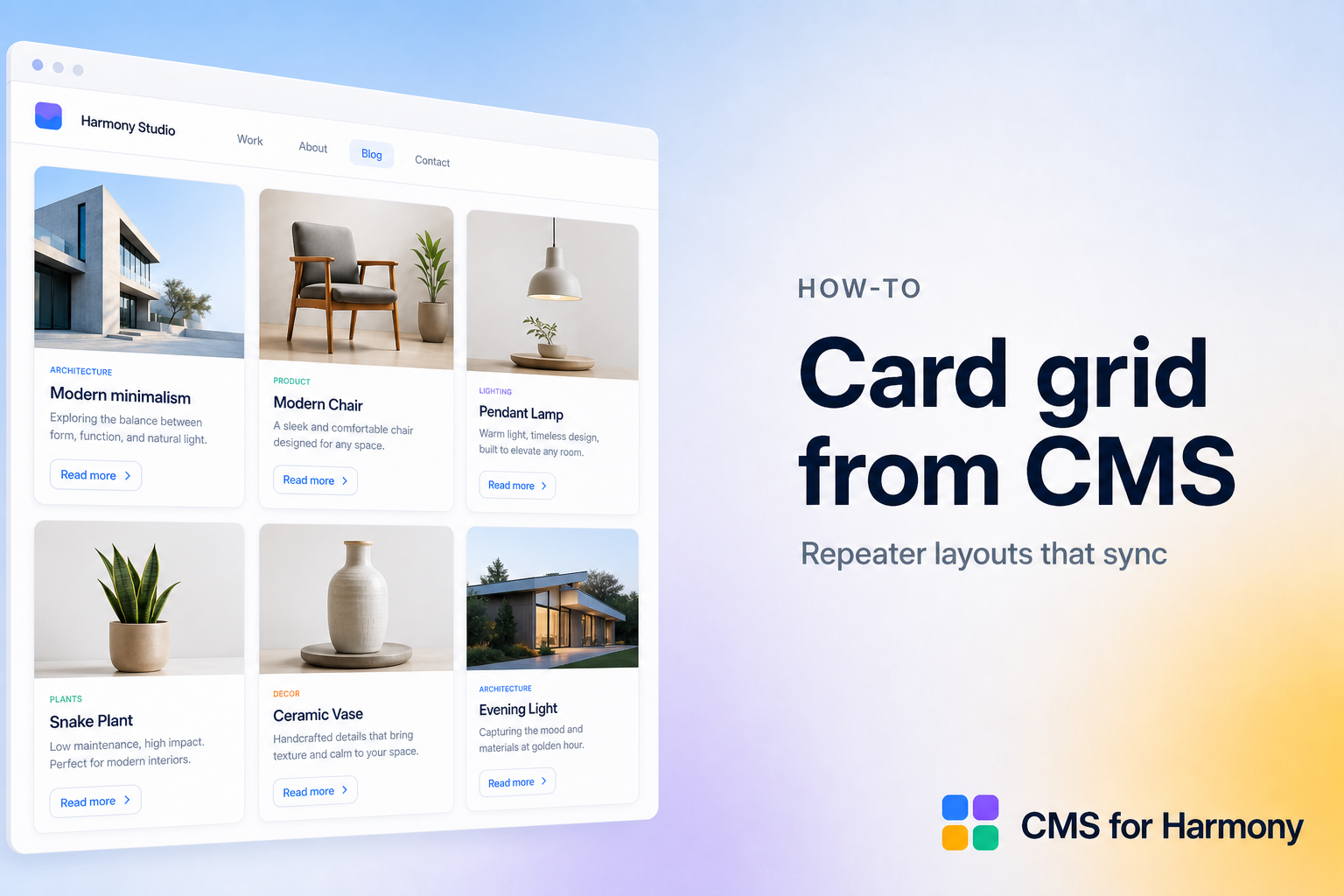
In CMS for Harmony, card grids are the Repeater widget — not a separate “Cards” app.
Steps
- Create a collection with image + title + short text fields.
- Add Repeater on your page and connect the collection.
- Choose Grid layout; set card width, gap, and alignment.
- Map and reorder fields; style typography and card chrome.
- Optionally use custom in-card field placement.
- Add search/filters or Dynamic Page links.
- Publish.
Docs: Repeater.