Steps
- Create (or choose) a collection that should store submissions — for example Leads or Inquiries.
- Add fields matching what you want to collect (name, email, message, phone, number, URL, images).
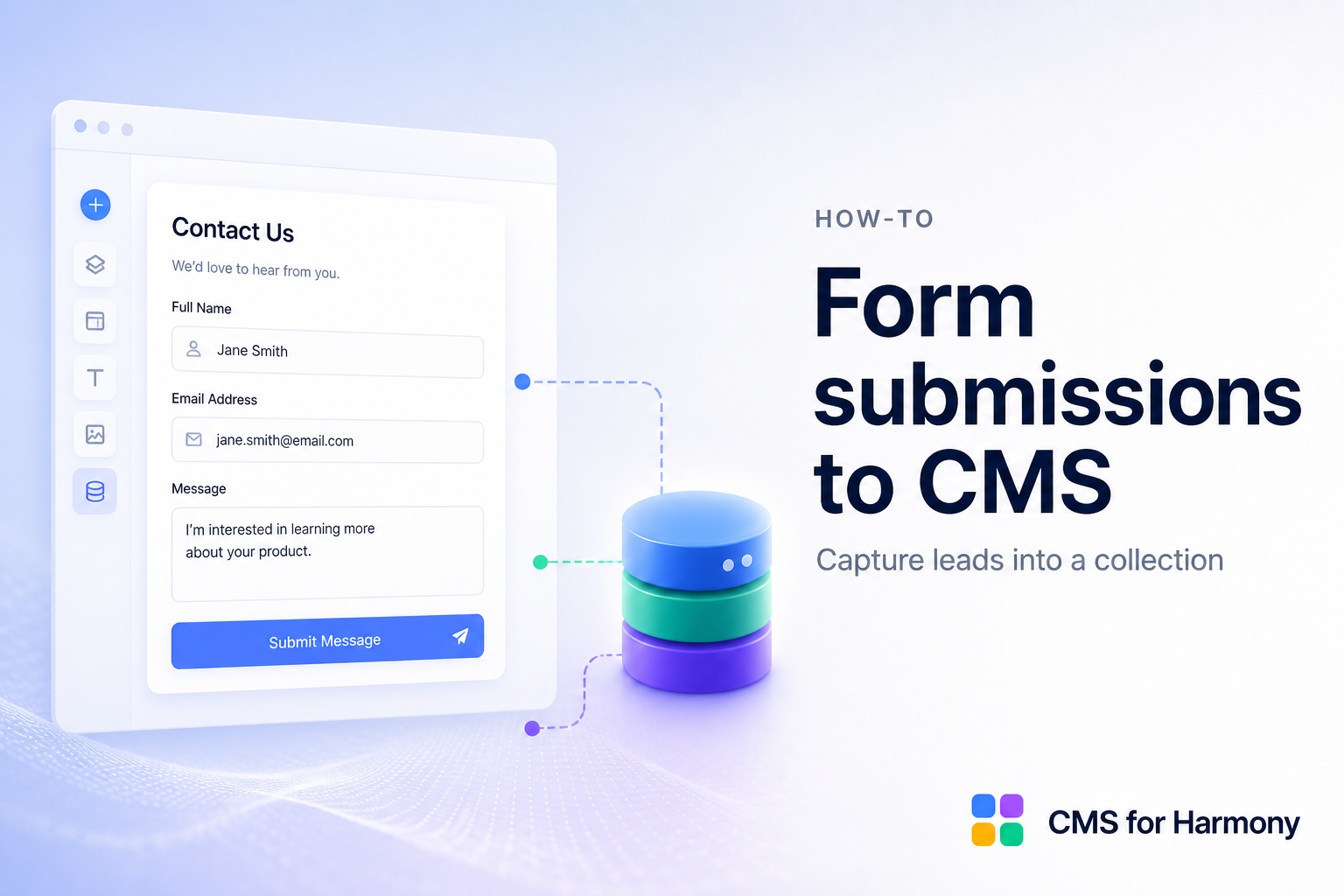
- Add the Form widget on a Harmony page.
- Connect the collection and select fields/labels for the form.
- Optionally turn on Create contact and/or Create member in the Form panel (map email; use Add field (contact) / (member) for form-only fields).
- Optionally open Wix Automations and connect the CMS for Harmony Form submitted trigger.
- Include phone, Number, URL, or Media Gallery upload fields if needed.
- Publish and submit a test entry; confirm it appears in the CMS (and Contacts / Members / Automations when enabled).
- Optionally display submissions later with Table or Repeater (if appropriate for your use case).
Docs: Form.